Select a name to locate it on the global NASA surface mosaic. Diameters and center coordinates come from the USGS/IAU Gazetteer; the blue markers identify approximate crater centers. Map markers show reference locations and do not predict illumination or visibility tonight.
The live tracker calculates the Moon’s current equatorial position, converts it to altitude and azimuth for your observing coordinates, and updates the sky marker continuously.
Altitude tells you how high the Moon is above the horizon. Azimuth is the compass bearing measured clockwise from north.
Moon Live Tracker: How to Read Altitude, Azimuth, Distance and Local Sky Position
The Moon Live Tracker converts a calculated lunar position into information that is useful from your own observing location. After you allow location access or enter your location, the page can show the Moon’s altitude, azimuth, approximate distance, phase, illumination, moonrise and moonset in one place.
Altitude tells you how high to look
Altitude is the angle of the Moon above or below your local horizon. An altitude of 0° is on the geometric horizon, 45° is halfway between the horizon and the point overhead, and 90° is directly overhead. A negative value means the calculated Moon is below the horizon for your location.
Near the horizon, the real view can differ from a simple geometric model because hills, buildings, trees and atmospheric refraction affect the apparent rise or set. The tracker therefore works best as a general sky-position guide rather than a surveying instrument.
Azimuth is the compass direction
Azimuth tells you which direction to face around the horizon. It is measured around the compass, with north near 0°/360°, east near 90°, south near 180° and west near 270°. The page also converts the numeric angle into a familiar compass label to make the result easier to use outdoors.
Why your location matters
The Moon’s celestial position at one instant is nearly the same for observers around Earth, but its local altitude and azimuth can be completely different. Someone in India may see the Moon high in the sky while an observer in the Americas sees it near the horizon or below it. That is why the live tracker needs observer coordinates for local geometry.
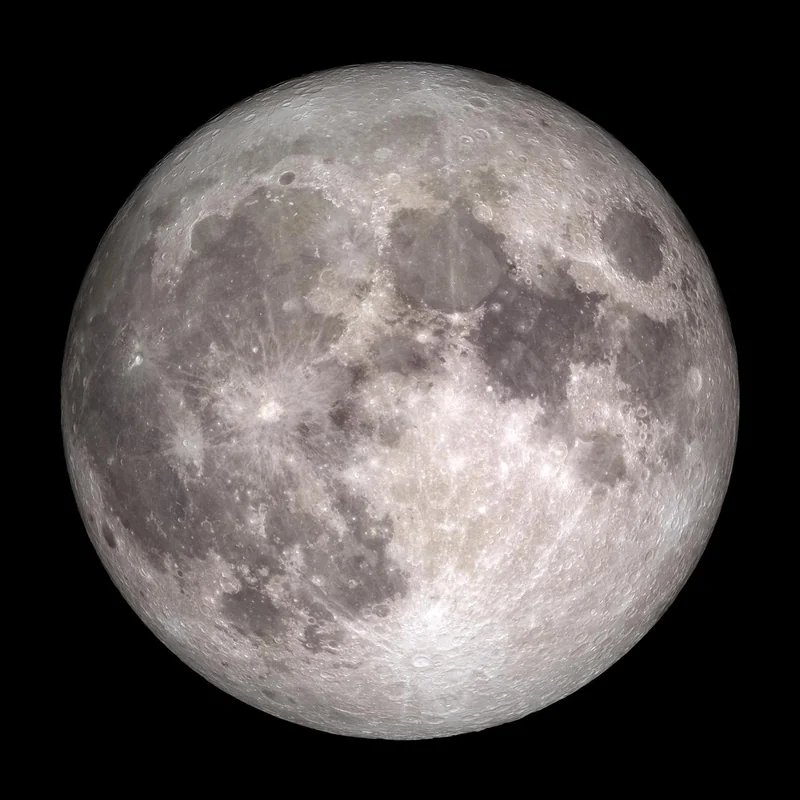
Full Moon reference view from NASA. This photograph is educational reference imagery, not the current live phase. NASA source.
Your Moon location is saved in browser storage for convenience. The tool can also reuse the main site observer location if a Moon-specific location has not yet been saved. You can change your location at any time.
Distance and apparent size
The Moon follows an elliptical orbit, so its distance from Earth changes. NASA gives an average distance of about 384,400 kilometres, but the instantaneous value can be meaningfully closer or farther. Distance contributes to changes in apparent angular size, although the familiar “Moon illusion” near the horizon is mainly a perceptual effect rather than a huge physical enlargement.
Moonrise and moonset are calculated crossings
The tracker estimates when the Moon crosses an apparent horizon threshold during the local day. These times depend on latitude, longitude and date. At high latitudes there can be unusual days when the Moon remains above or below the horizon for an extended period. For a page focused specifically on those events, use Moonrise and Moonset Time.
Combine position with phase
A direction alone does not describe what the Moon will look like. Use Moon Phase Today for the current cycle, Moon Phase Tonight for an evening reference, or Next Full Moon for the upcoming phase peak. If an eclipse is expected, check Lunar Eclipse Tonight separately because eclipse visibility has additional geometric requirements.
Accuracy and privacy notes
SpaceTracker.live performs these Moon calculations in the browser with compact astronomical formulae and applies a simple atmospheric-refraction correction for apparent altitude. The results are suitable for education and casual observing, not precision navigation. Device geolocation is requested through your browser; the saved observing coordinates are kept in browser storage for reuse by the Moon tools.
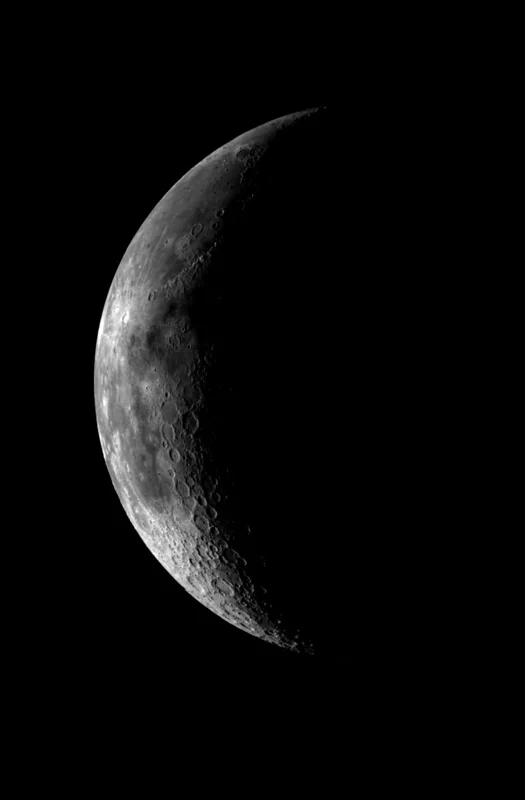
NASA/JPL Galileo view of the western near side, showing lunar surface features. This is a reference photograph, not a live observation. NASA source.
Follow altitude before you look for direction
Azimuth identifies a direction around your horizon; altitude says how high to look. A negative altitude means the Moon is below an ideal, unobstructed horizon at that instant, while a positive value can still be blocked by trees or buildings. Select your observing location, then compare the live sky map and the next rise and set times. Allow for local hills and the fact that the calculation is an estimate, especially near the horizon.
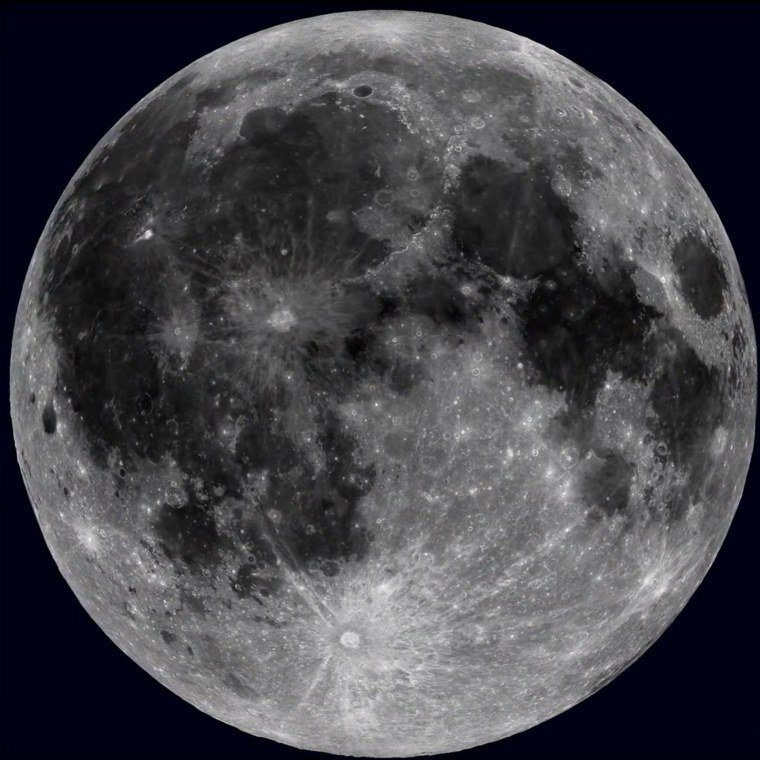
The Moon moves against background stars during the night and changes phase over many days. The same NASA LRO reference surface in the explorer helps identify maria and some landing-site locations, but the reference map does not show live lighting on each crater. For suggestions about what to examine when the Sun casts long lunar shadows, use NASA's Moon observing guidance and compare today's phase.
Location and clock choices
The phase and approximate distance do not require your city, but topocentric altitude, azimuth and rise/set depend on latitude and longitude. A wrong city can make a plausible-looking map misleading. Check your saved location label and local time before interpreting a low Moon, and open Night Sky Tonight if you want surrounding sky context. The month calendar provides a separate longer-range phase view for choosing future observing dates.
From sky position to a crater on the surface
The sky panel answers where to point; the surface tab answers what mapped feature you are examining. Select a blue crater marker or its named button to display measured diameter, planetographic coordinates and a short description. For example, Aristarchus measures 39.99 km across, while Theophilus is 98.59 km across according to the USGS/IAU Gazetteer. The mapped centers are approximate display locations, not the boundaries of the craters or a computed forecast of sunlight there.
NASA/Goddard/Arizona State University: LRO near-side surface reference. Dark maria and bright crater rays help explain what observers see on the Moon. NASA source.
Frequently asked questions
Why does the Moon marker move?
Earth rotates while the Moon also moves in its orbit, so the local altitude and azimuth change continuously.
Educational-use note: SpaceTracker.live is an independent educational website. Moon positions, phases, distances and rise/set times on these tools are calculated values and can differ slightly from high-precision professional ephemerides.