
Why a huge planet can look surprisingly small
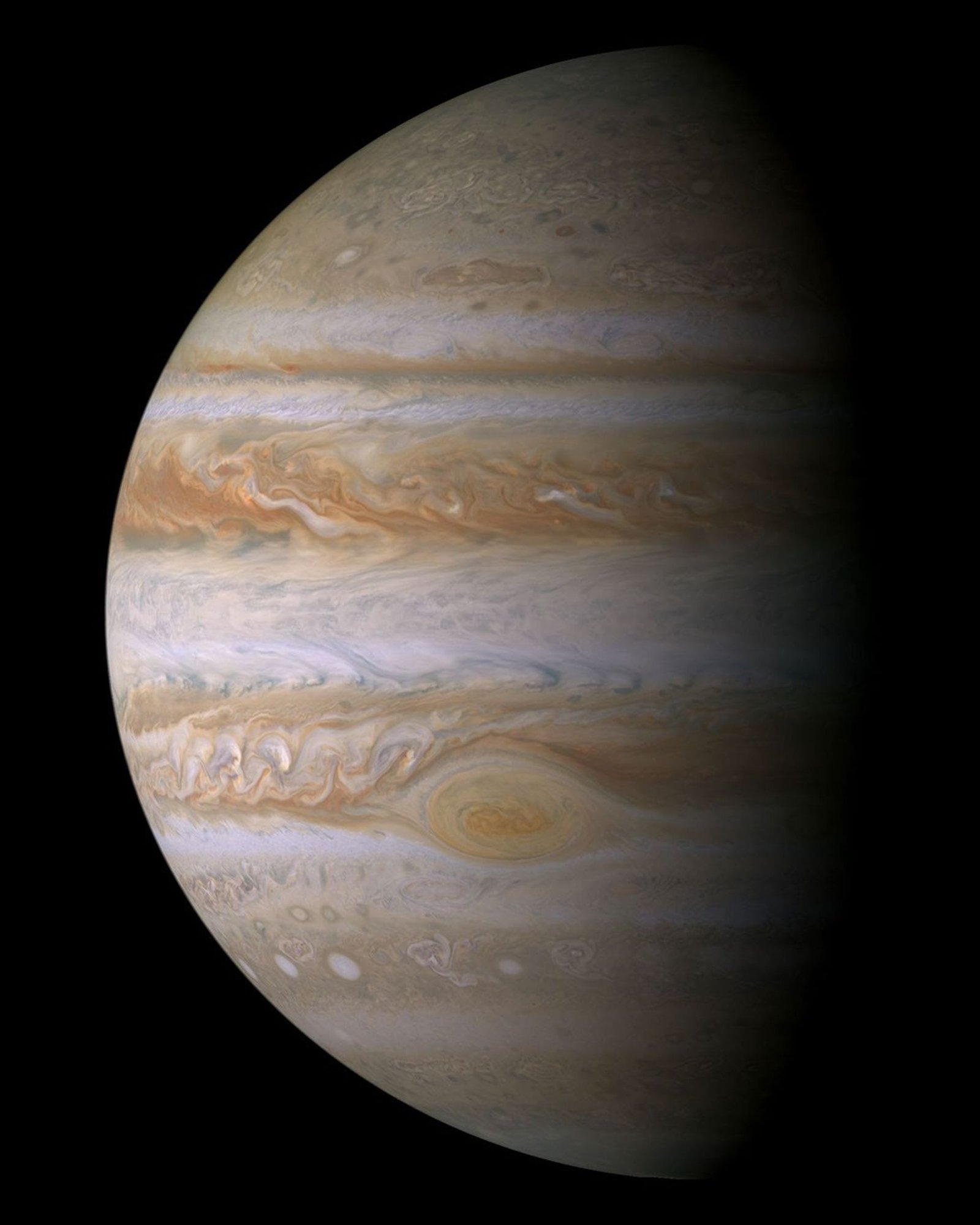
Jupiter is physically enormous, yet the Moon occupies a much larger patch of our sky. That apparent contradiction disappears when you separate physical size from angular size. This planet apparent size comparison calculates the angular diameter of each supported globe from its reference radius and its distance from Earth at the selected time. Start with the numerical table, then use the disk display to compare the result. Our planet distance from Earth page provides a helpful companion when you want to see the distance changes behind those diameters.
The comparison is about the size of the globe on the sky, not the brightness of the object or the area of its illuminated phase. A small but brilliant Venus can be easier to notice than a larger, faint object. A planet's observing value therefore cannot be reduced to the biggest number in this table.
Choose a time before comparing disks
The time input uses UTC and begins at the current minute. Choose another valid time to explore how the planets' apparent diameters change. The Now button returns to the present. The calculation runs in your browser using a bundled astronomy library; it does not wait for a picture service or substitute a fixed illustration for a distance calculation.
The results are geocentric, meaning that the reference observer is Earth's centre. This page does not need your sitewide location to compare those reference diameters. Your garden's horizon and weather belong to a separate observing question. That is why there is no extra Observer Sky View beneath this particular tool. If you want to know where one of these planets appears from your location, open planets visible tonight after making the comparison.
Arcseconds are a measure of angle
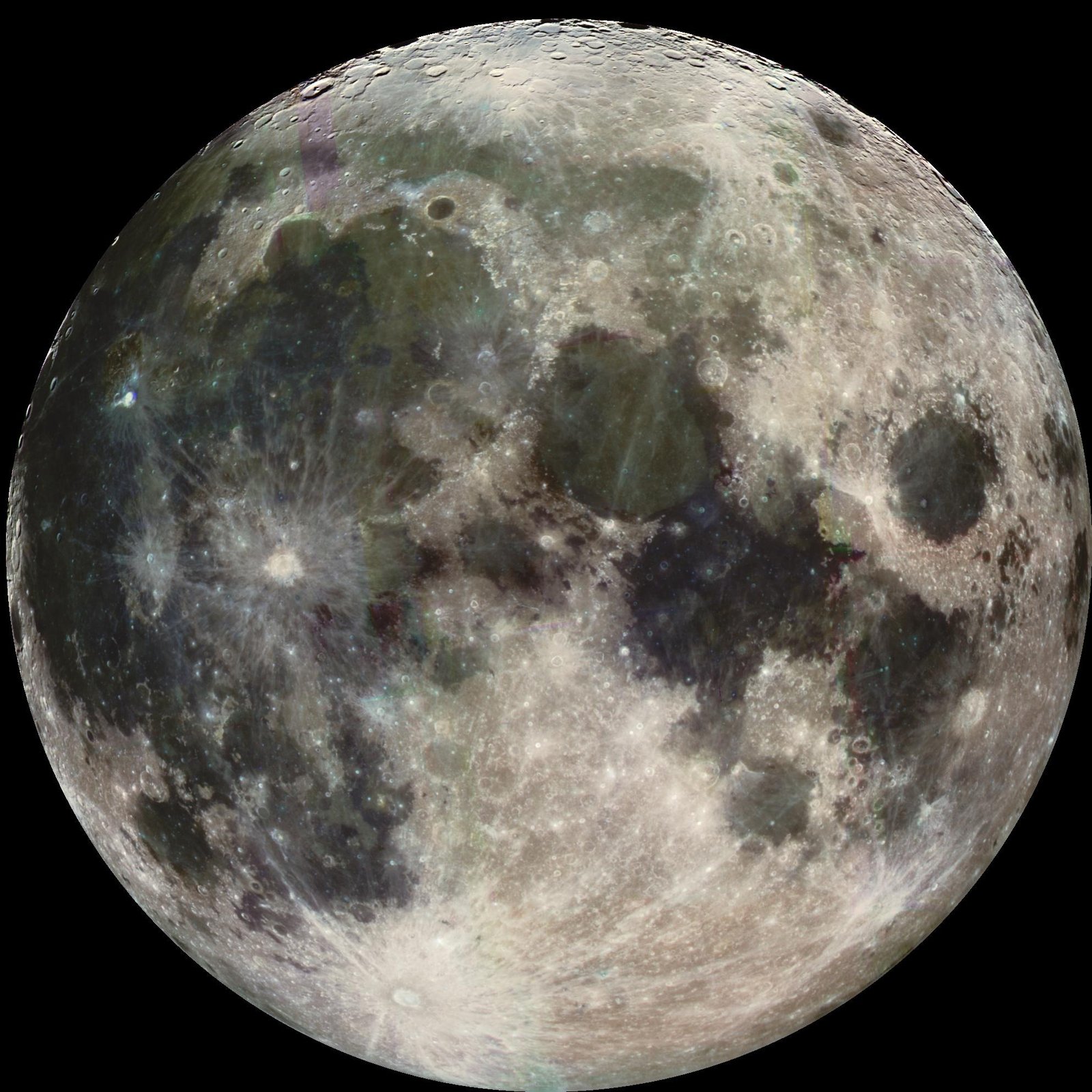
A full circle has 360 degrees, one degree has 60 arcminutes, and one arcminute has 60 arcseconds. Planetary globes are small enough that arcseconds are convenient. The double-prime symbol beside a diameter means arcseconds, not inches. To visualize the scale, remember that the Moon occupies roughly half a degree rather than a few dozen arcseconds, although its exact apparent diameter changes with distance.
The table reports angular diameter to several decimal places so that changes between selected dates remain easy to compare. Those digits should not be confused with a measured boundary in a blurred telescope image. Seeing, focus, pixel scale and processing all affect an image's apparent edge. Use the calculation as a geometric reference, then record the practical conditions when you compare it with a real observation.
How the diameter is calculated
The tool uses twice the arctangent of the reference radius divided by geocentric distance. Distance is converted from astronomical units to kilometres before that angle is expressed in arcseconds. This is a geometric globe-diameter estimate, using equatorial reference radii for the planets and mean reference radii for the Moon and Sun. The Earth-distance column lets you check the underlying scale rather than relying only on a rendered circle.
These reference values are documented alongside the calculation. The JPL planetary physical parameters page provides context for planetary radii and their conventions. Oblateness, atmospheric limb definitions and the shape of an illuminated crescent are not resolved by a simple circular display. The calculation remains useful because its assumptions are clear and consistent across the table.
Linear and logarithmic displays serve different purposes
In linear mode, every disk uses one common angular scale. A globe with twice the numerical angular diameter receives twice the displayed diameter. This is the mode to use for a direct visual ratio. The maximum displayed circle is deliberately kept compact so the comparison remains usable on a phone; the circles are not a simulation of a telescope's magnification.
Logarithmic mode compresses the size range. It can help you locate and compare the smaller objects when the Moon or Sun is included, but the displayed diameter ratios are no longer physical angular ratios. The status message labels that choice explicitly. Always return to the numerical arcseconds if you are calculating a camera scale or comparing observations. A useful display should make small entries readable without disguising how its scale has changed.
Saturn's rings need their own comparison
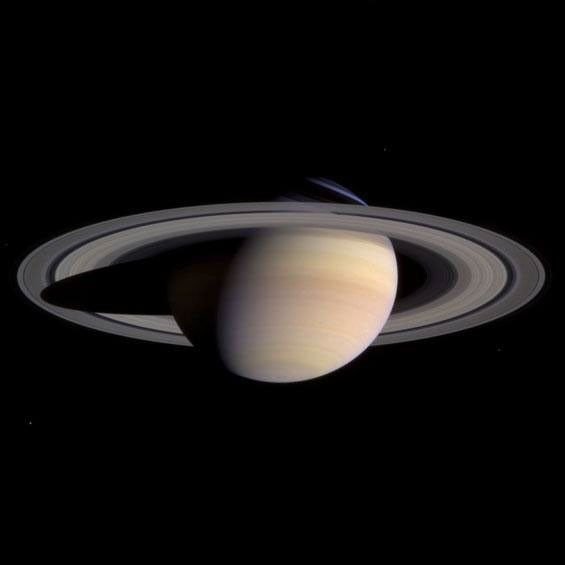
Saturn's globe diameter excludes the rings. That keeps the reference radii comparable, but it means the planet's familiar silhouette can extend beyond the disk shown here. The ring system's projected width and opening change the visual impression through a telescope. An edge-on ring presentation looks very different from an open ellipse even if the globe's angular diameter is similar.
Use our Saturn rings and moons tracker for the projected outer ring width and ring opening at a selected time. Do not multiply the globe diameter by a remembered factor and assume that it describes the entire silhouette in every direction. The rings form an inclined structure, not an enlarged spherical surface. Keeping the globe and ring geometry separate avoids a common source of misleading “planet size” graphics.
Why Mars rewards checking the date
Mars is an especially good demonstration of changing apparent size. Earth's separation from Mars varies considerably as both planets move around the Sun. A date that produces a generous disk can be much more promising for resolving surface features than another date that produces a small one, even when Mars is still easy to identify as a reddish point.
Try comparing dates several months apart and watch the Earth-distance and diameter columns together. You do not need to memorize a permanent ranking to see the connection. A favorable disk size still does not guarantee a sharp view: the planet may be low, dust may affect visible features, and turbulence may limit detail. Our planetary events calendar helps place those comparisons alongside opposition and other observing geometry.
Include the Moon and Sun carefully
The optional Moon and Sun entries show why a single linear display can have a wide dynamic range. Their large angular diameters make planetary globes appear tiny in comparison. That is a truthful geometric result, not a failed rendering. Turn them off when you want a closer comparison among the planets, or use the labelled logarithmic mode to keep all entries visually prominent.
The Moon's apparent size changes as its Earth distance changes. The Sun's apparent size also varies slightly through the year. Neither disk is fixed at exactly half a degree. The NASA photographs in this guide illustrate the worlds and their structures, while the calculated table supplies the angular comparison. They are reference photographs taken with different instruments and distances, so their image widths must never be treated as the comparison scale.
Diameter is only one part of telescope planning
A larger disk offers more room for detail, but magnification does not create information that the optics and atmosphere have already lost. Begin with a sharp, stable image and increase magnification only while the view remains useful. A smaller, steadier image can reveal more than a much larger blur. Give the telescope time to reach a suitable temperature and check focus on a reliable target.
For imaging, pair angular diameter with camera pixel scale and the intended sampling. Export the CSV to preserve the selected UTC time, distance and reference radius alongside the calculated size. That record is easier to audit than a screenshot of circles without a scale. For the local sky conditions, use the site's observing tools and a current forecast; this comparison itself makes no weather assessment.
Questions that often cause confusion
Does the biggest disk mean the brightest planet? No: brightness also depends on illumination, reflectivity and geometry. Does a crescent Venus have a smaller globe diameter because less of it is lit? No: the full globe's angular diameter and the illuminated fraction describe different things. Does the Saturn entry include the ring tips? It does not; use the separate ring tracker for that.
Can this page predict the detail visible through any telescope? It cannot, because equipment and atmospheric conditions are not inputs to the calculation. What it can do is give you a consistent geometric comparison for one time. NASA's planet guide is a useful final reference for physical context. Keep that context, the angular numbers and your actual observing conditions together when choosing your next target.